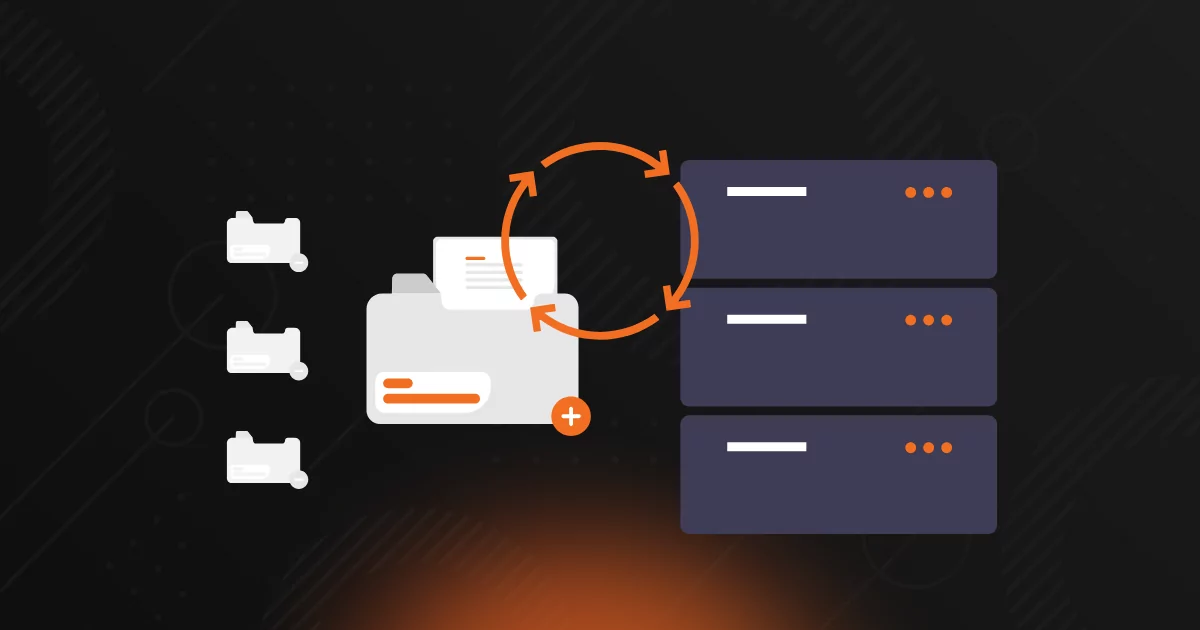
As an MSP, you’re responsible for delivering reliable data protection across complex client environments. That includes workstations, servers, cloud apps, and network-attached storage (NAS) devices. But too often, NAS gets left out of the backup conversation.
Many SMB clients assume that a NAS is inherently safe because it’s on-site, it’s got RAID, and it’s always worked (until it doesn’t). When a NAS device fails, gets hit by ransomware, or falls victim to user error, the consequences can be severe. For the MSP, that means scrambling to recover lost data, absorbing the blame, and jeopardizing long-standing client trust.
Backing up NAS devices is crucial for ensuring business continuity and disaster recovery (BCDR), meeting regulatory requirements, and maintaining client satisfaction. Keep reading to explore the risks, common misconceptions, and how you can protect NAS data with confidence.
This might seem obvious, but it’s a point worth repeating—especially to clients who believe that their NAS counts as a backup simply because it uses RAID or snapshots. RAID provides redundancy against hardware failure. Snapshots offer versioning. However, neither of these capabilities protects against ransomware, accidental deletion, natural disasters, or theft.
The reality is that NAS is just another piece of infrastructure. Just like servers, laptops, and SaaS platforms, NAS devices require independent backup to an isolated, secure location for true recoverability. Unfortunately, for many MSPS, NAS backup takes a back seat to other priorities. That’s a dangerous position to be in because when something does go wrong, the impact is immediate:
Offering reliable backup is about more than just preventing downtime. Now you must also meet strict compliance standards and satisfy increasingly rigorous cyber insurance requirements. While NAS devices are often treated as secondary storage, they are subject to the same rules and risks as servers and cloud data.
If your clients store sensitive or regulated data on NAS, including healthcare records, financial reports, client contracts, or internal files, you’re responsible for helping them maintain availability, confidentiality, and recovery of that data. That puts MSPs squarely in the middle of audits, security assessments, and insurance questionnaires.
Starting with the obvious: compliance frameworks care about data, not where that data lives. If client data resides on a NAS device, your protection strategy must meet the same standards you apply to endpoints and servers. Consider these examples:
Watch the recording of our Product Team Call: NAS Backup and Protection for a live demo and Q&A with the product team.